

 English
 Español
 Deutsch
 Italiano
 Français


One hub, one motion sensor and two contact sensors: four practical ways to begin automating a home, office or holiday...
Browse Categories
Menu
-
Home
- New
- Apple World
- Components
-
Computers
-
Peripherals
-
Gaming and Video Games
-
Smartphones and Tablets
- Televisions
-
Appliances
-
Home
- Sound
- Smartwatches
- Photography
-
Leisure, Mobility & Collectibles
-
Brands
- Campro
- Loungefly
- Queen
- Wow Generation
- Catrinas
- Lovely Story
- Real Betis
- Cefa
- Manchester City
- Real Madrid
- Chelsea
- Megahouse
- Regalos
- Chimola
- Michael Jackson
- Safta
- Chupa Chups
- Nasa
- Seleccion Argentina
- Crayola
- Nba
- Smint
- Dia De Los Muertos
- Netflix
- Sweet Dreams
- Difuzed
- New Kids On The Block
- The Rolling Stones
- Emergency
- Nici
- Tiktok
- Erik
- Oh My Pop
- Toallas Originales
- F.C. Barcelona
- Perletti
- Tottenham Hotspur
- Apex Gifts
- Frida Kahlo
- Perona
- Toybags
- Arsenal
- Game Over
- Portugal
- Unicornios
- Atlético De Madrid
- Gotico / Fantasia
- Pro-Dg
- Valencia C.F.
- Bt21
- Liverpool Football Club
- Puericultura
- Water Revolution
- 3D Light FX
- Italian Brainrot
- Capibara
- Banpresto
- Banpresto
- Cinereplicas
- Ichibansho
- Monogram
- Nemesis
- Noble Collection
- Paladone
- Plastoy
- Stor
- Xoff
-
Video Game
- Playstation
- Prey
- Astro Bot
- Sonic
- Call Of Duty
- Starcraft
- Crash Bandicoot
- Street Fighter
- Cuphead
- Tekken
- Fallout
- The Last Of Us
- Fate Grand Order
- Wolfenstein
- Five Nights At Freddys
- Xbox
- Fortnite
- Zelda
- God Of War
- Kingdom Hearts
- League Of Legends
- Minecraft
- Overwatch
- Pac-Man
- Polly Pocket
- Bandai Hobby
- Elves Behavin Badly
-
TV Series
- Avatar The Last Airbender
- Bluey
- Peppa Pig
- Piolin Tweety
- Bob Esponja
- Rick And Morty
- Doctor Who
- Scooby Doo
- El Juego Del Calamar
- She-Hulk
- Friends
- Skibidi Toilet
- Gundam
- South Park
- Juego De Tronos
- Spidey
- La Casa De Papel
- Stranger Things
- La Casa Del Dragon
- The Umbrella Academy
- Ladybug - Prodigiosa
- The Witcher
- Los Pitufos
- Tom Y Jerry
- Mandalorian
- Tortugas Ninja
- Miercoles
- Osos Amorosos
- Paw Patrol
- Pre-orders
- Pop Culture
-
Movies
- Godzilla
- Trolls
- Indiana Jones
- Wall-E
- It
- Wicked
- Jurassic Park
- Willy Wonka
- La Momia
- Los Mundos De Coraline
- Animales Fantásticos
- Mary Poppins
- Avatar
- Michael Myers
- Beetlejuice
- Minions
- Boba Fett
- Policán
- Cazafantasmas
- Regreso Al Futuro
- Como Entrenar A Tu Dragon
- Snoopy
- Dune
- Space Jam
- El Exorcista
- Star Wars
- El Grinch
- The Goonies
- En Busca Del Valle Encantado
- Tiburon
- Et El Extraterrestre
- Terrifier
- Plush Toys
- Stationery
- Offers
-
Games / Toys
- Fournier
- Gabbys Dollhouse
- Monopoly
- Furreal
- Molto
- Carrera
- Minix
- Fisher-Price
- Miniverse
- Enchantimals
- Miniland
- Elf On The Shelf
- Mi Pequeño Pony
- El Principito
- Mga
- Educa Borras
- Squishmallows
- Marina & Pau
- Dungeons & Dragons
- Spin Master
- Magic The Gathering
- Crazy Chic
- Smartgames
- Lexibook
- Mr. Potato
- Gi Joe
- Muñecas Lol Surprise
- Hasbro
- Play-Doh
- Aurora
- Hot Wheels
- Ravensburger
- Bandai
- Jada Toys
- Rosa Toys
- Burago
- Jakks Pacific
- Simba
- Funko
-
Disney
- Blancanieves Y Los Siete Enanitos
- Los Increibles
- Wish
- Buscando A Dory
- Mickey
- Campanilla
- Minnie
- Cenicienta
- Mulan
- Dumbo
- Pato Donald
- El Rey León
- Peter Pan
- Encanto
- Pocahontas
- Frozen
- Princesas
- Gargoyles
- Rapunzel
- Hocus Pocus
- Raya Y El Último Dragon
- Inside Out
- Red
- 101 Dalmatas
- La Bella Durmiente
- Stitch
- Aladdin
- La Bella Y La Bestia
- Toy Story
- Alicia En El Pais De Las Maravillas
- La Sirenita
- Vaiana
- Aristogatos
- Lightyear
- Villanas
- Bambi
- Lorcana
- Winnie The Pooh
- Monsters Inc
- Sports
-
Comic / Superheroes
- Marvel
- Masters Of The Universe
- Batman
- Los Vengadores
- Loki
- Batwheels
- Black Adam
- Black Panther
- Black Widow
- Shazam
- Capitana Marvel
- The Flash
- Deadpool
- The Punisher
- Doctor Extraño
- Thor
- Escuadron Suicida
- Venom
- Falcon Y El Soldado De Invierno
- Wandavision
- Groot
- Wonder Woman
- Guardianes De La Galaxia
- X-Men
- Harley Quinn
- Joker
- Aquaman
- Liga De La Justicia
- Asterix
- Linterna Verde
- Clearance
-
Anime / Manga
- Chainsaw Man
- Black Clover
- Banpresto
- Dragon Ball
- Demon Slayer
- My Hero Academia
- Tokyo Revengers
- Naruto
- Yu-Gi-Oh!
- Digimon
- One Piece
- Doraemon
- One Punch Man
- Pokemon
- Evangelion
- Pusheen
- Fairy Tail
- Re:Zero
- Frieren Beyond Journey'S End
- Sailor Moon
- Ghost In The Shell
- Saint Seiya
- Haikyu!!
- Sakamoto Days
- Assassination Classroom
- Hello Kitty
- Sand Land
- Attack On Titan
- Hunter X Hunter
- Spy X Family
- Inuyasha
- Sword Art Online
- Jojos Bizarre Adventure
- Tensura
- Boruto
- Jujutsu Kaisen
- That Time I Got Reincarnated As A Slime
- Captain Tsubasa
- Miku Hatsune
- Tokyo Ghoul
- KAIJU NO. 8
- Dandadan
- Shin-Chan
- Merchandise Clearance
- XON
- Urban Mobility
- Drones & RC
- Tech Gadgets
- Other accessories
- Lego
-
Brands
- POS (Point of Sale)
- CCTV
- Services
- Apple World
- Components
-
Computers
-
Peripherals
-
Gaming and Video Games
-
Smartphones and Tablets
- Televisions
-
Appliances
- Sound
- Smartwatches
- Photography
-
Leisure, Mobility & Collectibles
-
Brands
- Campro
- Loungefly
- Queen
- Wow Generation
- Catrinas
- Lovely Story
- Real Betis
- Cefa
- Manchester City
- Real Madrid
- Chelsea
- Megahouse
- Regalos
- Chimola
- Michael Jackson
- Safta
- Chupa Chups
- Nasa
- Seleccion Argentina
- Crayola
- Nba
- Smint
- Dia De Los Muertos
- Netflix
- Sweet Dreams
- Difuzed
- New Kids On The Block
- The Rolling Stones
- Emergency
- Nici
- Tiktok
- Erik
- Oh My Pop
- Toallas Originales
- F.C. Barcelona
- Perletti
- Tottenham Hotspur
- Apex Gifts
- Frida Kahlo
- Perona
- Toybags
- Arsenal
- Game Over
- Portugal
- Unicornios
- Atlético De Madrid
- Gotico / Fantasia
- Pro-Dg
- Valencia C.F.
- Bt21
- Liverpool Football Club
- Puericultura
- Water Revolution
- 3D Light FX
- Italian Brainrot
- Capibara
- Banpresto
- Banpresto
- Cinereplicas
- Ichibansho
- Monogram
- Nemesis
- Noble Collection
- Paladone
- Plastoy
- Stor
- Xoff
-
Video Game
- Playstation
- Prey
- Astro Bot
- Sonic
- Call Of Duty
- Starcraft
- Crash Bandicoot
- Street Fighter
- Cuphead
- Tekken
- Fallout
- The Last Of Us
- Fate Grand Order
- Wolfenstein
- Five Nights At Freddys
- Xbox
- Fortnite
- Zelda
- God Of War
- Kingdom Hearts
- League Of Legends
- Minecraft
- Overwatch
- Pac-Man
- Polly Pocket
- Bandai Hobby
- Elves Behavin Badly
-
TV Series
- Avatar The Last Airbender
- Bluey
- Peppa Pig
- Piolin Tweety
- Bob Esponja
- Rick And Morty
- Doctor Who
- Scooby Doo
- El Juego Del Calamar
- She-Hulk
- Friends
- Skibidi Toilet
- Gundam
- South Park
- Juego De Tronos
- Spidey
- La Casa De Papel
- Stranger Things
- La Casa Del Dragon
- The Umbrella Academy
- Ladybug - Prodigiosa
- The Witcher
- Los Pitufos
- Tom Y Jerry
- Mandalorian
- Tortugas Ninja
- Miercoles
- Osos Amorosos
- Paw Patrol
- Pre-orders
- Pop Culture
-
Movies
- Godzilla
- Trolls
- Indiana Jones
- Wall-E
- It
- Wicked
- Jurassic Park
- Willy Wonka
- La Momia
- Los Mundos De Coraline
- Animales Fantásticos
- Mary Poppins
- Avatar
- Michael Myers
- Beetlejuice
- Minions
- Boba Fett
- Policán
- Cazafantasmas
- Regreso Al Futuro
- Como Entrenar A Tu Dragon
- Snoopy
- Dune
- Space Jam
- El Exorcista
- Star Wars
- El Grinch
- The Goonies
- En Busca Del Valle Encantado
- Tiburon
- Et El Extraterrestre
- Terrifier
- Plush Toys
- Stationery
- Offers
-
Games / Toys
- Fournier
- Gabbys Dollhouse
- Monopoly
- Furreal
- Molto
- Carrera
- Minix
- Fisher-Price
- Miniverse
- Enchantimals
- Miniland
- Elf On The Shelf
- Mi Pequeño Pony
- El Principito
- Mga
- Educa Borras
- Squishmallows
- Marina & Pau
- Dungeons & Dragons
- Spin Master
- Magic The Gathering
- Crazy Chic
- Smartgames
- Lexibook
- Mr. Potato
- Gi Joe
- Muñecas Lol Surprise
- Hasbro
- Play-Doh
- Aurora
- Hot Wheels
- Ravensburger
- Bandai
- Jada Toys
- Rosa Toys
- Burago
- Jakks Pacific
- Simba
- Funko
-
Disney
- Blancanieves Y Los Siete Enanitos
- Los Increibles
- Wish
- Buscando A Dory
- Mickey
- Campanilla
- Minnie
- Cenicienta
- Mulan
- Dumbo
- Pato Donald
- El Rey León
- Peter Pan
- Encanto
- Pocahontas
- Frozen
- Princesas
- Gargoyles
- Rapunzel
- Hocus Pocus
- Raya Y El Último Dragon
- Inside Out
- Red
- 101 Dalmatas
- La Bella Durmiente
- Stitch
- Aladdin
- La Bella Y La Bestia
- Toy Story
- Alicia En El Pais De Las Maravillas
- La Sirenita
- Vaiana
- Aristogatos
- Lightyear
- Villanas
- Bambi
- Lorcana
- Winnie The Pooh
- Monsters Inc
- Sports
-
Comic / Superheroes
- Marvel
- Masters Of The Universe
- Batman
- Los Vengadores
- Loki
- Batwheels
- Black Adam
- Black Panther
- Black Widow
- Shazam
- Capitana Marvel
- The Flash
- Deadpool
- The Punisher
- Doctor Extraño
- Thor
- Escuadron Suicida
- Venom
- Falcon Y El Soldado De Invierno
- Wandavision
- Groot
- Wonder Woman
- Guardianes De La Galaxia
- X-Men
- Harley Quinn
- Joker
- Aquaman
- Liga De La Justicia
- Asterix
- Linterna Verde
- Clearance
-
Anime / Manga
- Chainsaw Man
- Black Clover
- Banpresto
- Dragon Ball
- Demon Slayer
- My Hero Academia
- Tokyo Revengers
- Naruto
- Yu-Gi-Oh!
- Digimon
- One Piece
- Doraemon
- One Punch Man
- Pokemon
- Evangelion
- Pusheen
- Fairy Tail
- Re:Zero
- Frieren Beyond Journey'S End
- Sailor Moon
- Ghost In The Shell
- Saint Seiya
- Haikyu!!
- Sakamoto Days
- Assassination Classroom
- Hello Kitty
- Sand Land
- Attack On Titan
- Hunter X Hunter
- Spy X Family
- Inuyasha
- Sword Art Online
- Jojos Bizarre Adventure
- Tensura
- Boruto
- Jujutsu Kaisen
- That Time I Got Reincarnated As A Slime
- Captain Tsubasa
- Miku Hatsune
- Tokyo Ghoul
- KAIJU NO. 8
- Dandadan
- Shin-Chan
- Merchandise Clearance
- XON
- Urban Mobility
- Drones & RC
- Tech Gadgets
- Other accessories
- Lego
-
Brands
Informatica Canarias by BGR Solutions · Home or in store · delivery €6.99
.
shop by category
Home
-
- New
- Apple World
- Components
- Computers
- Peripherals
- Gaming and Video Games
- Smartphones and Tablets
- Televisions
- Appliances
- Home
- Sound
- Smartwatches
- Photography
- Leisure, Mobility & Collectibles
- Brands
- Campro
- Loungefly
- Queen
- Wow Generation
- Catrinas
- Lovely Story
- Real Betis
- Cefa
- Manchester City
- Real Madrid
- Chelsea
- Megahouse
- Regalos
- Chimola
- Michael Jackson
- Safta
- Chupa Chups
- Nasa
- Seleccion Argentina
- Crayola
- Nba
- Smint
- Dia De Los Muertos
- Netflix
- Sweet Dreams
- Difuzed
- New Kids On The Block
- The Rolling Stones
- Emergency
- Nici
- Tiktok
- Erik
- Oh My Pop
- Toallas Originales
- F.C. Barcelona
- Perletti
- Tottenham Hotspur
- Apex Gifts
- Frida Kahlo
- Perona
- Toybags
- Arsenal
- Game Over
- Portugal
- Unicornios
- Atlético De Madrid
- Gotico / Fantasia
- Pro-Dg
- Valencia C.F.
- Bt21
- Liverpool Football Club
- Puericultura
- Water Revolution
- 3D Light FX
- Italian Brainrot
- Capibara
- Banpresto
- Banpresto
- Cinereplicas
- Ichibansho
- Monogram
- Nemesis
- Noble Collection
- Paladone
- Plastoy
- Stor
- Xoff
- Video Game
- TV Series
- Avatar The Last Airbender
- Bluey
- Peppa Pig
- Piolin Tweety
- Bob Esponja
- Rick And Morty
- Doctor Who
- Scooby Doo
- El Juego Del Calamar
- She-Hulk
- Friends
- Skibidi Toilet
- Gundam
- South Park
- Juego De Tronos
- Spidey
- La Casa De Papel
- Stranger Things
- La Casa Del Dragon
- The Umbrella Academy
- Ladybug - Prodigiosa
- The Witcher
- Los Pitufos
- Tom Y Jerry
- Mandalorian
- Tortugas Ninja
- Miercoles
- Osos Amorosos
- Paw Patrol
- Pre-orders
- Pop Culture
- Movies
- Godzilla
- Trolls
- Indiana Jones
- Wall-E
- It
- Wicked
- Jurassic Park
- Willy Wonka
- La Momia
- Los Mundos De Coraline
- Animales Fantásticos
- Mary Poppins
- Avatar
- Michael Myers
- Beetlejuice
- Minions
- Boba Fett
- Policán
- Cazafantasmas
- Regreso Al Futuro
- Como Entrenar A Tu Dragon
- Snoopy
- Dune
- Space Jam
- El Exorcista
- Star Wars
- El Grinch
- The Goonies
- En Busca Del Valle Encantado
- Tiburon
- Et El Extraterrestre
- Terrifier
- Plush Toys
- Stationery
- Offers
- Games / Toys
- Fournier
- Gabbys Dollhouse
- Monopoly
- Furreal
- Molto
- Carrera
- Minix
- Fisher-Price
- Miniverse
- Enchantimals
- Miniland
- Elf On The Shelf
- Mi Pequeño Pony
- El Principito
- Mga
- Educa Borras
- Squishmallows
- Marina & Pau
- Dungeons & Dragons
- Spin Master
- Magic The Gathering
- Crazy Chic
- Smartgames
- Lexibook
- Mr. Potato
- Gi Joe
- Muñecas Lol Surprise
- Hasbro
- Play-Doh
- Aurora
- Hot Wheels
- Ravensburger
- Bandai
- Jada Toys
- Rosa Toys
- Burago
- Jakks Pacific
- Simba
- Funko
- Disney
- Blancanieves Y Los Siete Enanitos
- Los Increibles
- Wish
- Buscando A Dory
- Mickey
- Campanilla
- Minnie
- Cenicienta
- Mulan
- Dumbo
- Pato Donald
- El Rey León
- Peter Pan
- Encanto
- Pocahontas
- Frozen
- Princesas
- Gargoyles
- Rapunzel
- Hocus Pocus
- Raya Y El Último Dragon
- Inside Out
- Red
- 101 Dalmatas
- La Bella Durmiente
- Stitch
- Aladdin
- La Bella Y La Bestia
- Toy Story
- Alicia En El Pais De Las Maravillas
- La Sirenita
- Vaiana
- Aristogatos
- Lightyear
- Villanas
- Bambi
- Lorcana
- Winnie The Pooh
- Monsters Inc
- Sports
- Comic / Superheroes
- Marvel
- Masters Of The Universe
- Batman
- Los Vengadores
- Loki
- Batwheels
- Black Adam
- Black Panther
- Black Widow
- Shazam
- Capitana Marvel
- The Flash
- Deadpool
- The Punisher
- Doctor Extraño
- Thor
- Escuadron Suicida
- Venom
- Falcon Y El Soldado De Invierno
- Wandavision
- Groot
- Wonder Woman
- Guardianes De La Galaxia
- X-Men
- Harley Quinn
- Joker
- Aquaman
- Liga De La Justicia
- Asterix
- Linterna Verde
- Clearance
- Anime / Manga
- Chainsaw Man
- Black Clover
- Banpresto
- Dragon Ball
- Demon Slayer
- My Hero Academia
- Tokyo Revengers
- Naruto
- Yu-Gi-Oh!
- Digimon
- One Piece
- Doraemon
- One Punch Man
- Pokemon
- Evangelion
- Pusheen
- Fairy Tail
- Re:Zero
- Frieren Beyond Journey'S End
- Sailor Moon
- Ghost In The Shell
- Saint Seiya
- Haikyu!!
- Sakamoto Days
- Assassination Classroom
- Hello Kitty
- Sand Land
- Attack On Titan
- Hunter X Hunter
- Spy X Family
- Inuyasha
- Sword Art Online
- Jojos Bizarre Adventure
- Tensura
- Boruto
- Jujutsu Kaisen
- That Time I Got Reincarnated As A Slime
- Captain Tsubasa
- Miku Hatsune
- Tokyo Ghoul
- KAIJU NO. 8
- Dandadan
- Shin-Chan
- Merchandise Clearance
- XON
- Urban Mobility
- Drones & RC
- Tech Gadgets
- Other accessories
- Lego
- Brands
- POS (Point of Sale)
- CCTV
- Services
Left Banner
Most View Product
Most View Product
Latest News
-
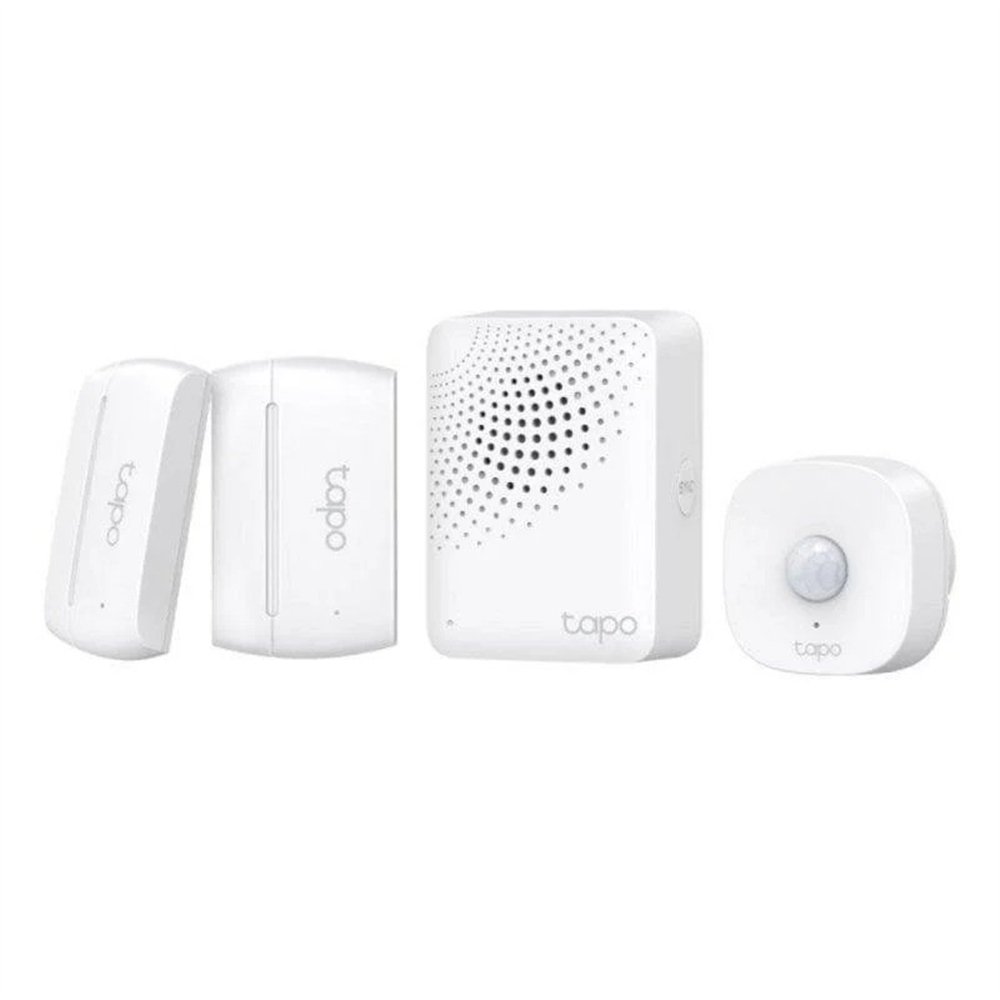 Useful smart-home ideas in the Canary Islands with the TP-Link Tapo T30 kitRead more
-
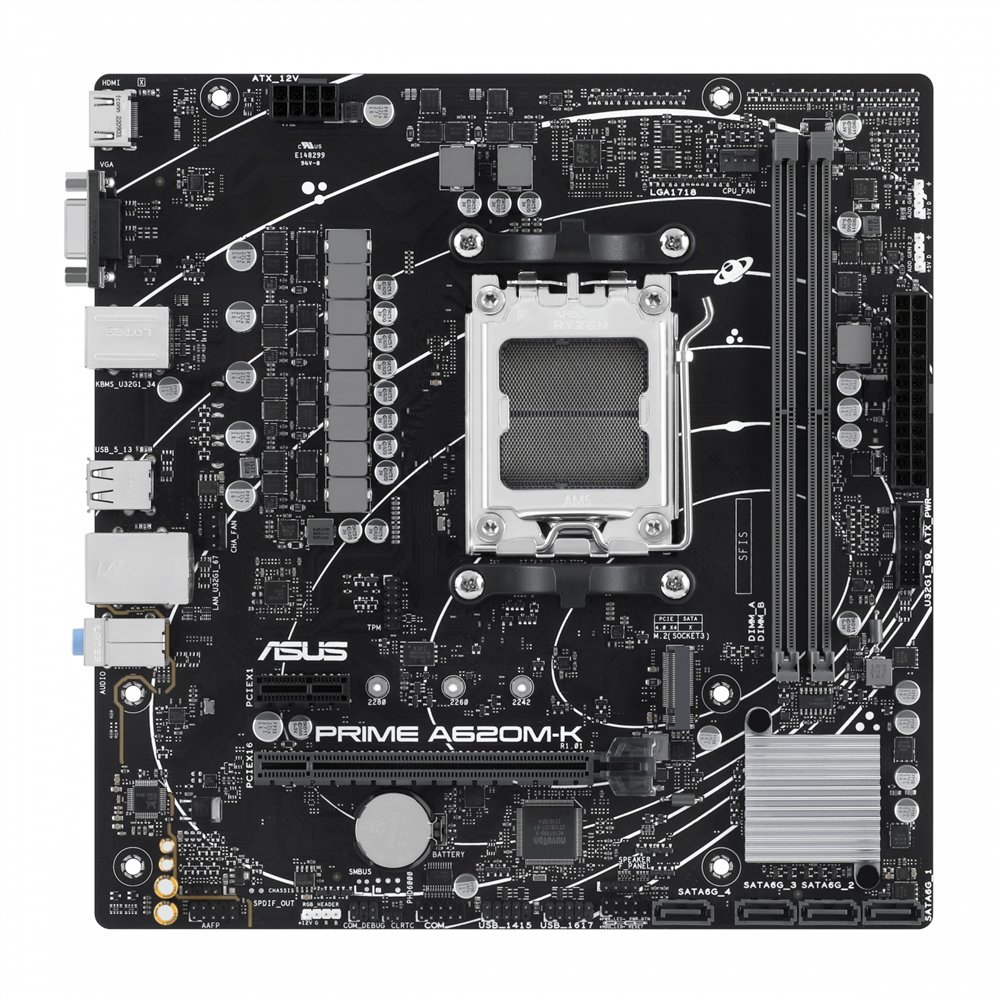 ASUS Prime A620M-K buying guide: a compact, balanced AM5 PCPosted on: 10/11/2026Read more
Find out who the ASUS Prime A620M-K suits and what to check for CPU, memory, case and storage compatibility before...
-
 REDMI Pad 2 Pro 8GB/256GB review: big-screen value for the Canary IslandsPosted on: 10/11/2026Read more
A large Wi-Fi tablet for study, everyday multitasking and entertainment: we review the exact Graphite Gray model with...
-
 Refresh your Canary Islands gaming setup with the white Krom KanjiPosted on: 10/10/2026Read more
A white gaming headset with USB-C and Bluetooth for a cleaner-looking, more flexible desk setup.
-
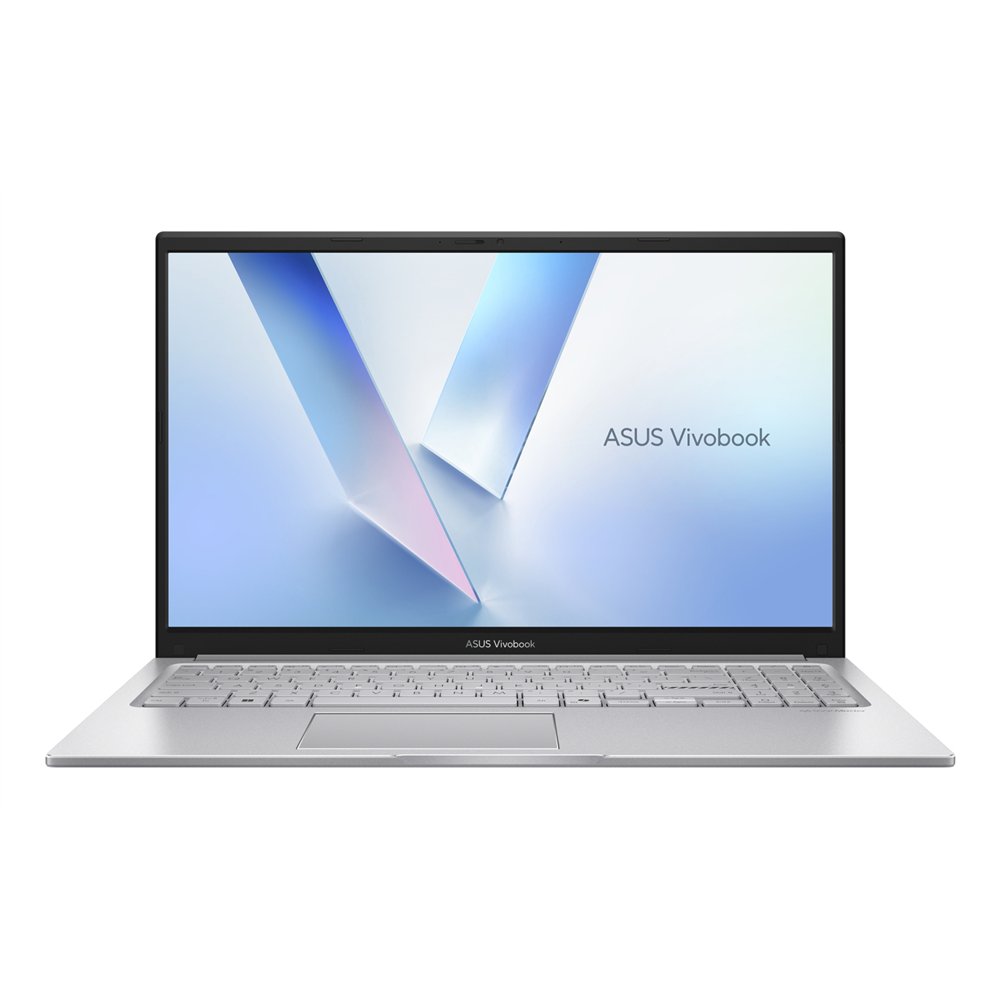 ASUS Vivobook 15 X1504VA-BQ4105 buying guide for work and studyPosted on: 10/10/2026Read more
Find out whether this ASUS Vivobook 15 with Core 5 120U, 16GB RAM and a 512GB SSD is the right match for work, study...
-
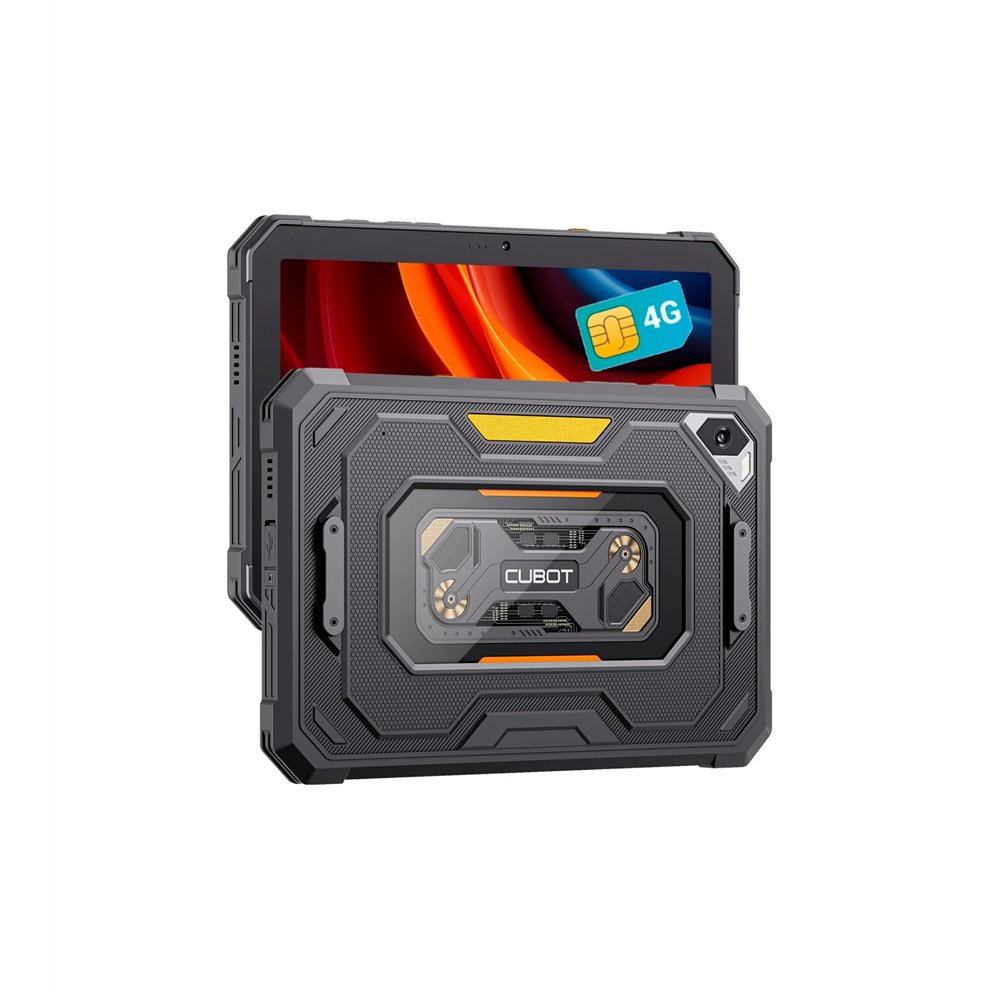 CUBOT Tab KingKong Mini 4G: autumn mobility in the CanariesPosted on: 10/09/2026Read more
A 4G tablet with 6GB RAM and 128GB storage for people who want more flexibility for study, travel and entertainment...
-
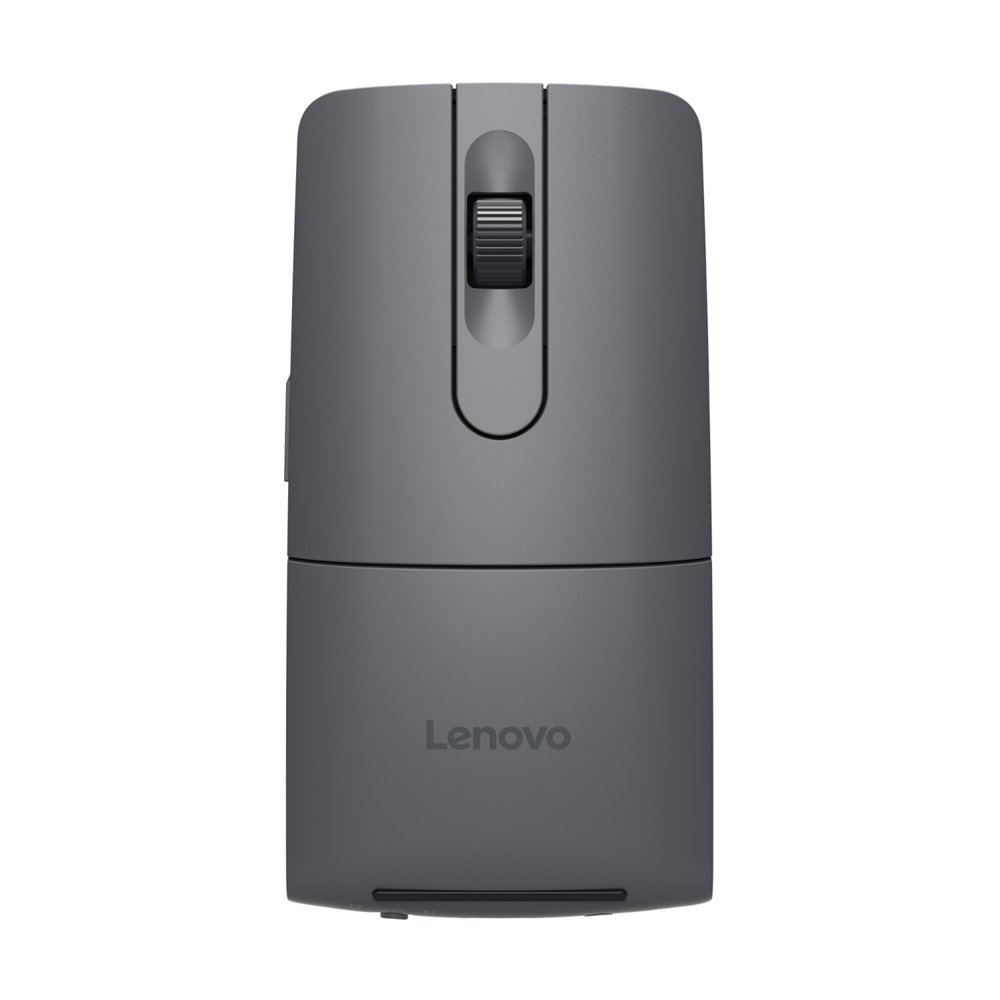 Lenovo ThinkPad Bluetooth Presenter Mouse: hybrid-work buying guidePosted on: 10/09/2026Read more
One compact accessory for computer control and presentations: see who will benefit most from the Lenovo ThinkPad...
-
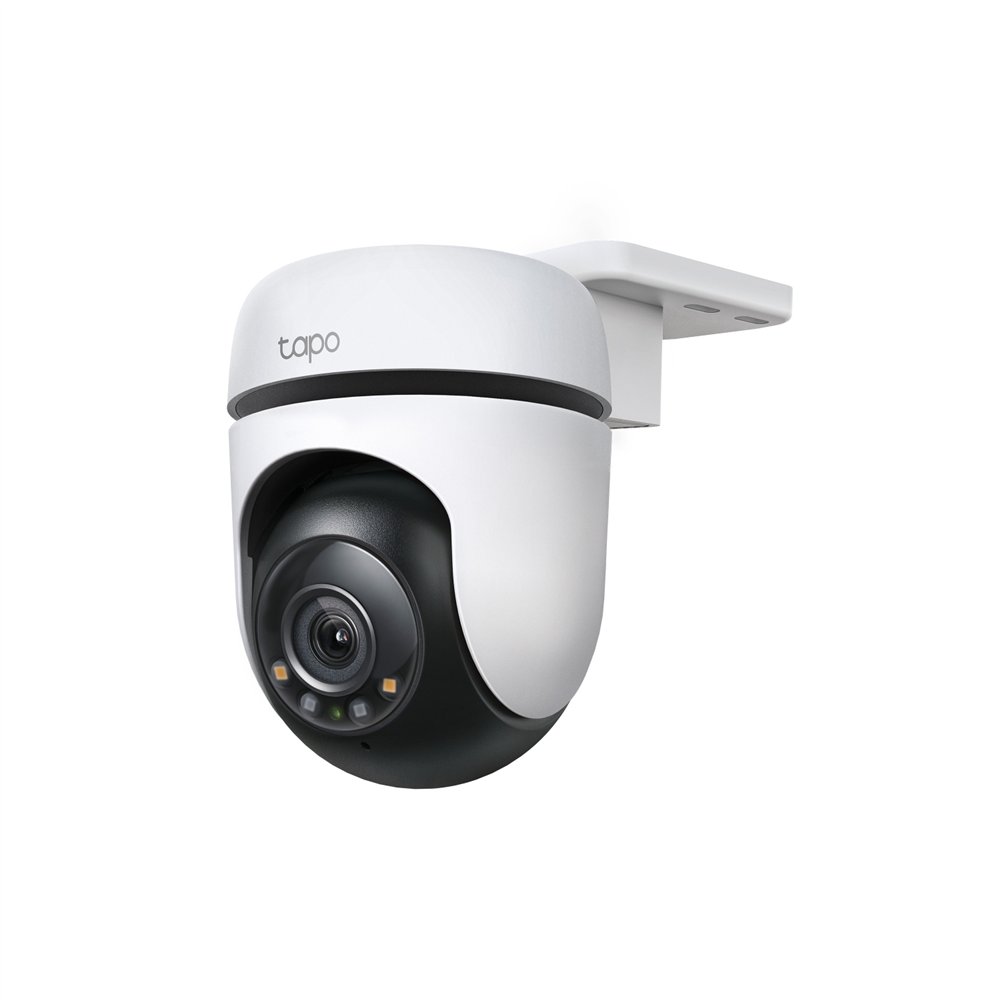 TP-Link Tapo C510W review: flexible 2K outdoor monitoringPosted on: 10/09/2026Read more
The Tapo C510W is a 2K outdoor WiFi camera for buyers who want broad visual coverage, motion tracking and local...
-
 Ulefone RugOne Xever 7: 12GB and 512GB for a roomier mobile lifePosted on: 10/08/2026Read more
A 6.67-inch smartphone with 12GB RAM and 512GB storage for shoppers who want more room for everyday apps and files in...
-
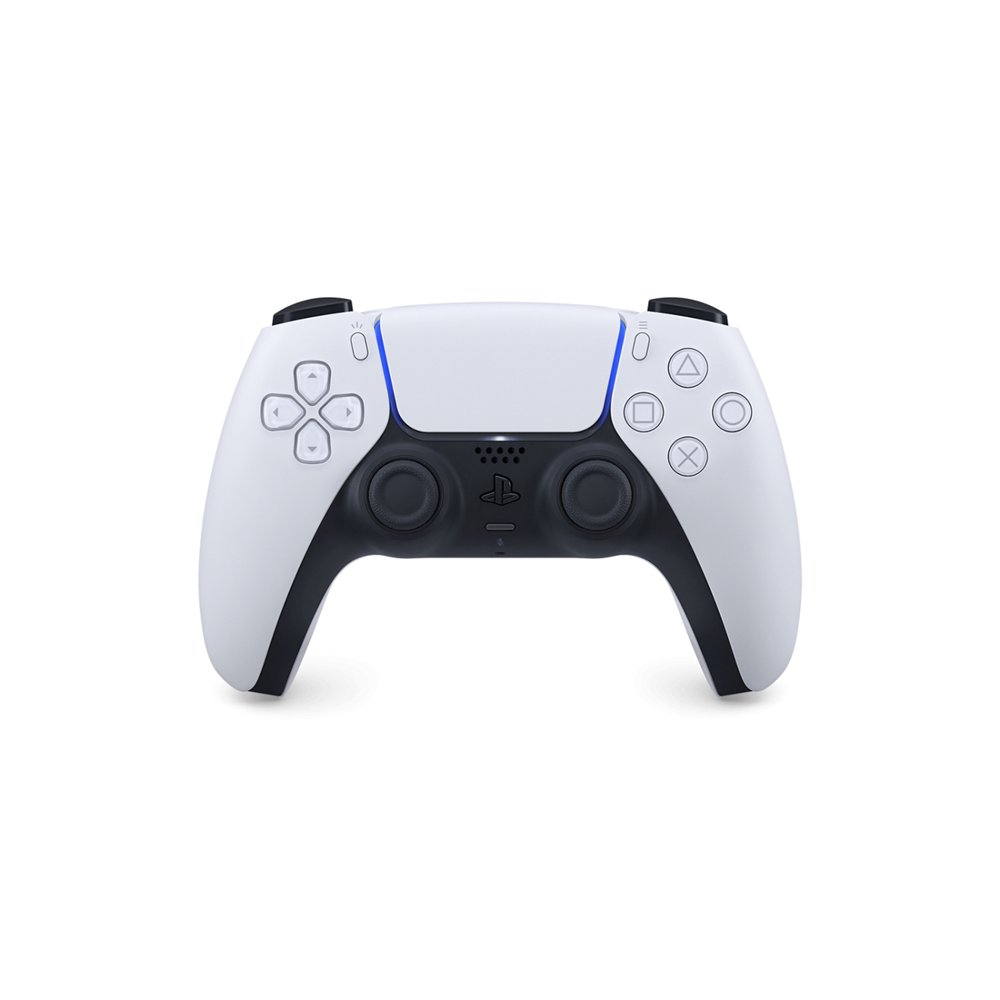 Sony DualSense V2 Black and White: a versatile second PS5 controllerPosted on: 10/08/2026Read more
A practical look at the black and white Sony DualSense V2 for players who need a second PS5 controller or a...
Blog categories
- Informatica Canarias News (12)
- Product Reviews (141)
- Buying Guides (131)
- Smartphones & Mobile Phones (51)
- Tablets, iPads & eReaders (54)
- Laptops & Notebooks (42)
- PCs, Components & Upgrades (31)
- Gaming & Consoles (59)
- Printing & Office Tech (25)
- Networking, WiFi & Connectivity (27)
- Accessories & Peripherals (33)
- Audio, Smart Home & Wearables (58)
- Funko Pops & Collectibles (26)
Search in blog
Archived posts
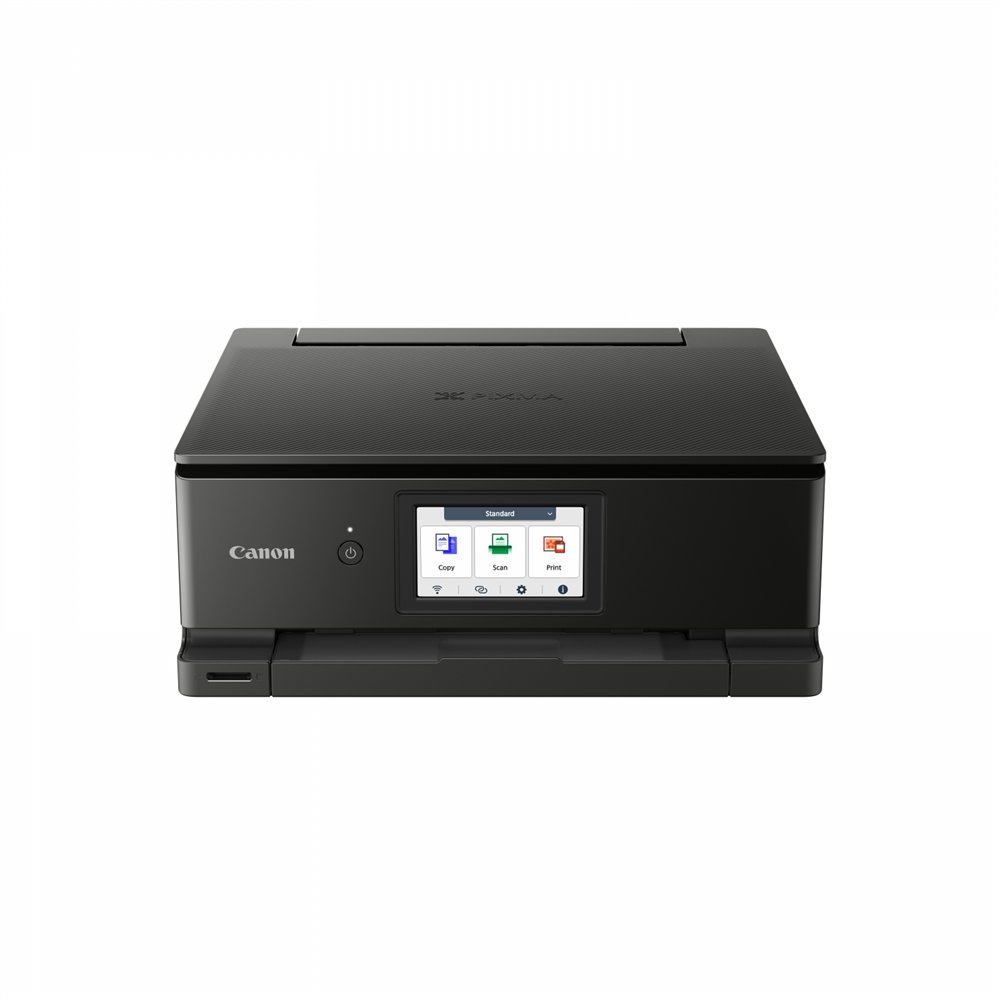
Canon PIXMA TS8750 in the Canary Islands: a buying guide for home, study and remote work
Posted on:
10/02/2026
Choosing a printer for home or a small workspace is about more than headline resolution. You need to consider which tasks the device combines, how it connects and how easy it is to use every day. The Canon PIXMA TS8750 is aimed at users who want colour printing, scanning and copying in one A4 device.
Who is this configuration for?
It suits households that print both documents and creative material, students who digitise notes, remote workers and small teams sharing a printer over Wi-Fi. Its six separate inks also make it a more flexible choice than a document-only setup for mixed everyday use.
Buying criteria worth checking
- Three functions in one: print, scan and copy without filling the desk with separate devices.
- Dual-band Wi-Fi: Canon confirms 2.4 and 5 GHz wireless support, plus high-speed USB.
- Automatic duplex: two-sided printing on plain A4, A5, B5 and Letter paper.
- Six individual inks: PGBK, BK, C, M, Y and GY tanks with ChromaLife100.
- 4.3-inch touchscreen: straightforward control directly from the printer.
- Flatbed CIS scanner: handles documents and photos up to A4/Letter.
Why it is a balanced option
The TS8750 is appealing when one printer must cover everyday documents and colour work while staying easy to operate and share wirelessly. Automatic duplex reduces manual handling on longer files, and the flatbed scanner adds useful digitisation without another device.
Before you choose
Consider your actual print volume, preferred paper types and available space. If print, scan and copy are recurring needs and you value Wi-Fi, duplex and touchscreen controls, this configuration offers more practical flexibility than a basic single-function printer.
Check the exact model and current availability: Buy the Canon PIXMA TS8750 at Informatica Canarias.
Related posts
-
 Posted on:Acer Veriton 2000 i7-14700 in the Canary Islands: why this configuration makes senseA practical buying guide for Tenerife and Canary Islands customers who want a desktop for office work, everyday...Read more
-
 Posted on:ASUS Prime B760M-A D4-CSM in Canarias: when this Micro ATX DDR4 board makes senseIf you want a current Intel platform for a compact business desktop in Canarias, the ASUS Prime B760M-A D4-CSM stands...Read more
-
 Posted on:Why buy the ASUS GT1030-2G-BRK in the Canary Islands for a simple PC refreshThe ASUS GT1030-2G-BRK is a straightforward choice for Canary Islands buyers who want a simple dedicated GPU: GeForce...Read more
-
 Posted on:Why the HP LaserJet M110w makes sense in the Canary Islands for everyday printingThe HP LaserJet M110w is a good fit for buyers who mostly print text documents and want an A4 Wi‑Fi printer with a...Read more
-
 Posted on:Why buy TP-Link Deco BE25 (2-Pack) in the Canary Islands for stronger home Wi‑FiIf your home has weak spots, unstable video calls or too many devices sharing one router, the TP-Link Deco BE25...Read more
Leave a comment